Product images
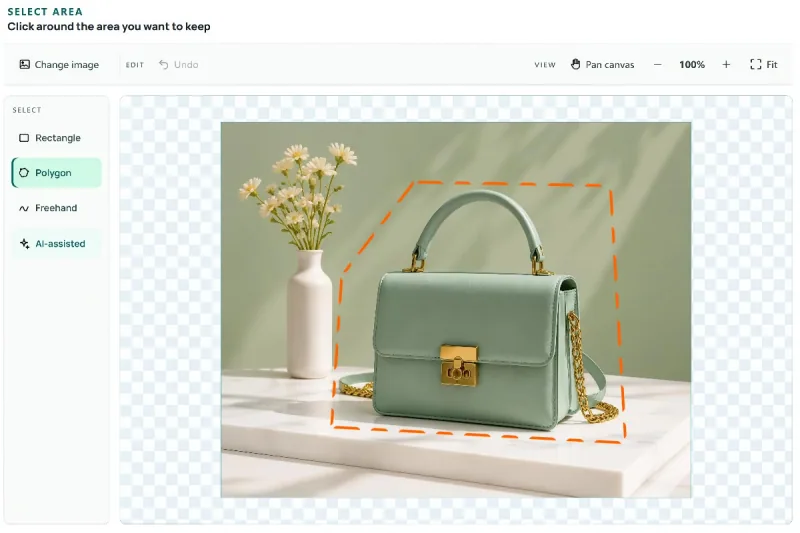
Isolate a product for an online store, marketplace listing, catalog, or promotional graphic. A transparent cutout can be placed on a new background color, combined with pricing and text, reused across campaign layouts, or prepared for a cleaner product comparison without carrying the original scene into every design.
People, pets, and objects
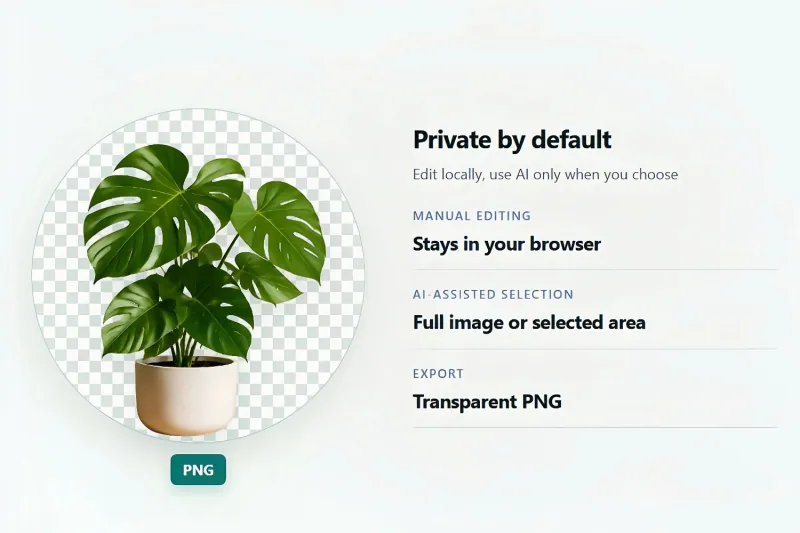
Keep a person, pet, plant, vehicle, or other subject while making the surrounding area transparent. Use the result in a presentation, profile graphic, collage, thumbnail, invitation, classroom project, or creative composition where the original background would distract from the subject you want viewers to notice.
Logos and design assets
Extract a logo, icon, illustration, badge, or piece of artwork for use in a website mockup, social post, slide deck, or design project. A controlled lasso crop helps when the asset sits inside a larger image and you need only one useful element rather than the entire rectangular canvas.
Screenshots and custom layouts
Select a specific panel, card, chart, interface element, map area, or irregular section from a screenshot. Keep the information that supports your explanation and remove unrelated interface chrome or empty space, producing a more focused visual for documentation, feedback, tutorials, and presentations.